Price Checking
Basic Price Checking
You can price check any item supported by warframe.market with /price.
Statistics
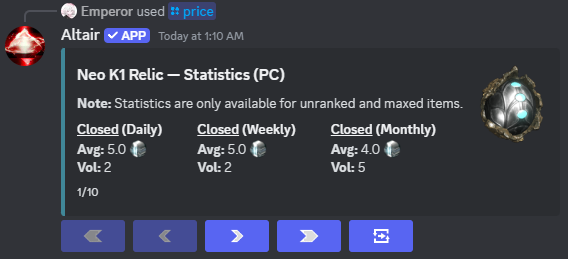
The first thing you will see will be the statistics for the past day, week, and month for a general pricing idea.
Sell Orders
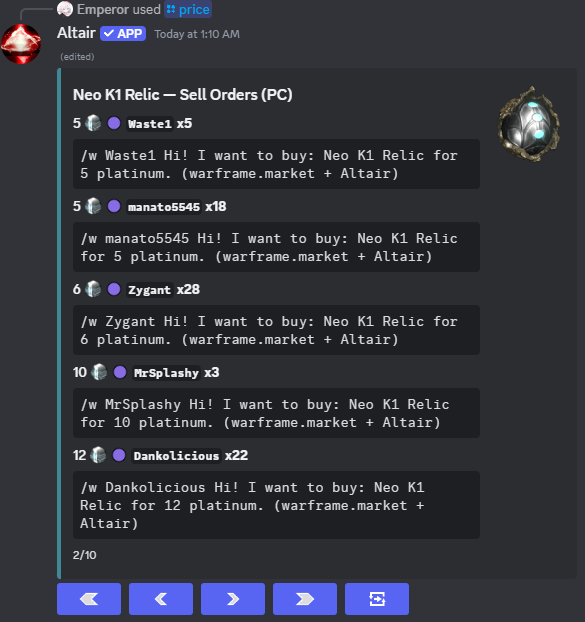
If you click on the next arrow, it will show the lowest priced sell orders, sorted by online status..
Buy Orders
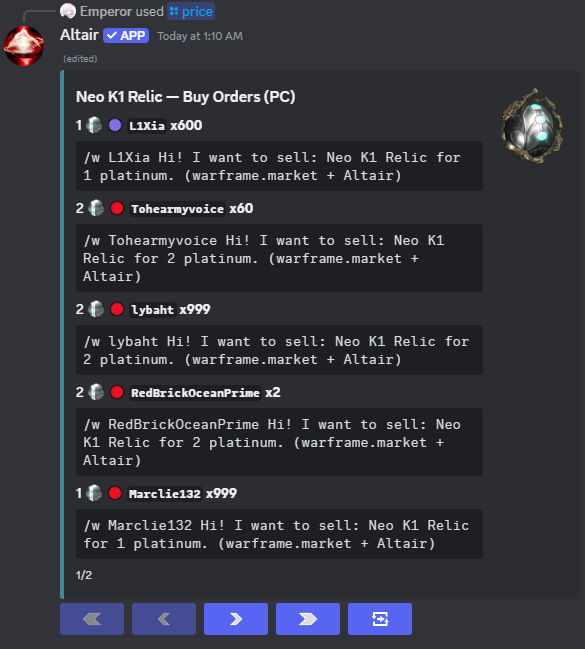
If you click on the trading button on the far right, it will swap to buy orders, sorted by online status, then price.
Order Alerts
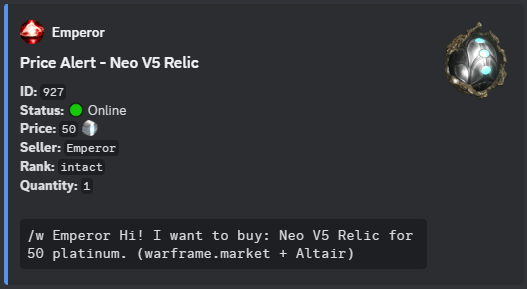
You can setup alerts for certain items being listed with /wfm alerts.

Arguments
rank- Self-explanatory. If the item has a rank, it will show autocomplete with all ranks. If it is a relic, autocomplete shows different options.quantity- Listing needs to have this amount of the desired item, below or equal to.ducats- Minimum total ducats the item contains, this is made to be used with theAll Itemsitem.
Example